Running Multi-Time-of-Day Daylight Studies From One Ink Sketch
Export Soft overcast, Golden hour, Dramatic sun, and Blue-hour dusk renders off a single uploaded CAD or ink drawing cleanly inside My renders.
In traditional 3D BIM rendering tools, generating four cohesive time-of-day sun positions means rebuilding sky shaders and adjusting glass reflectivity curves separately per camera! Keeping one exact Render Style steady inside SketchRender AI while varying solely Lighting lets small studios produce an authoritative diurnal facade study inside five minutes.
4-Light Client Storyboard Sequence
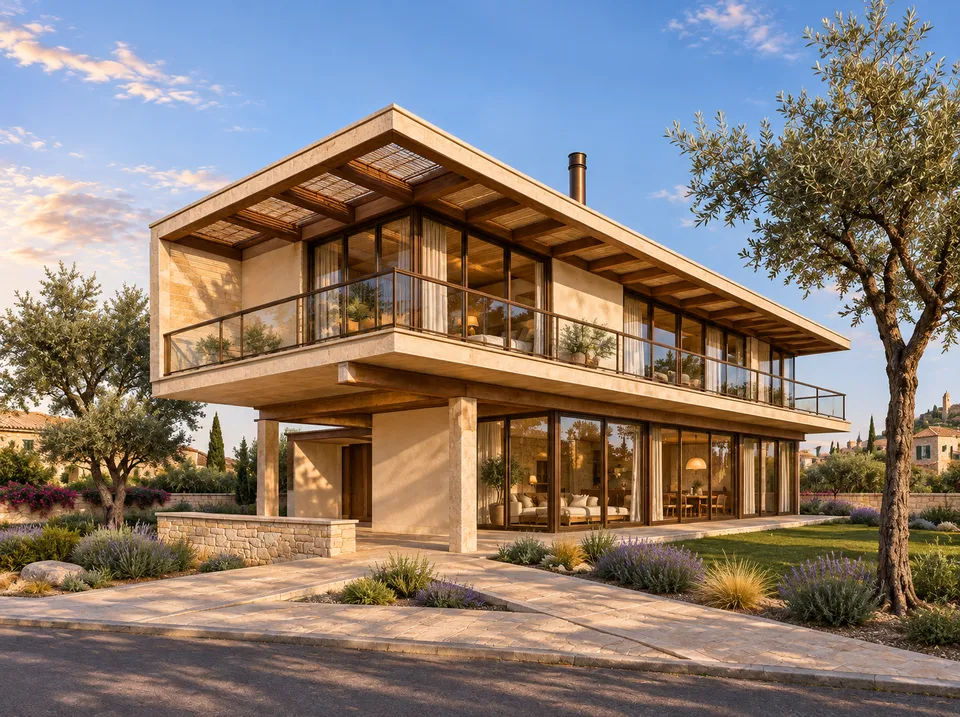
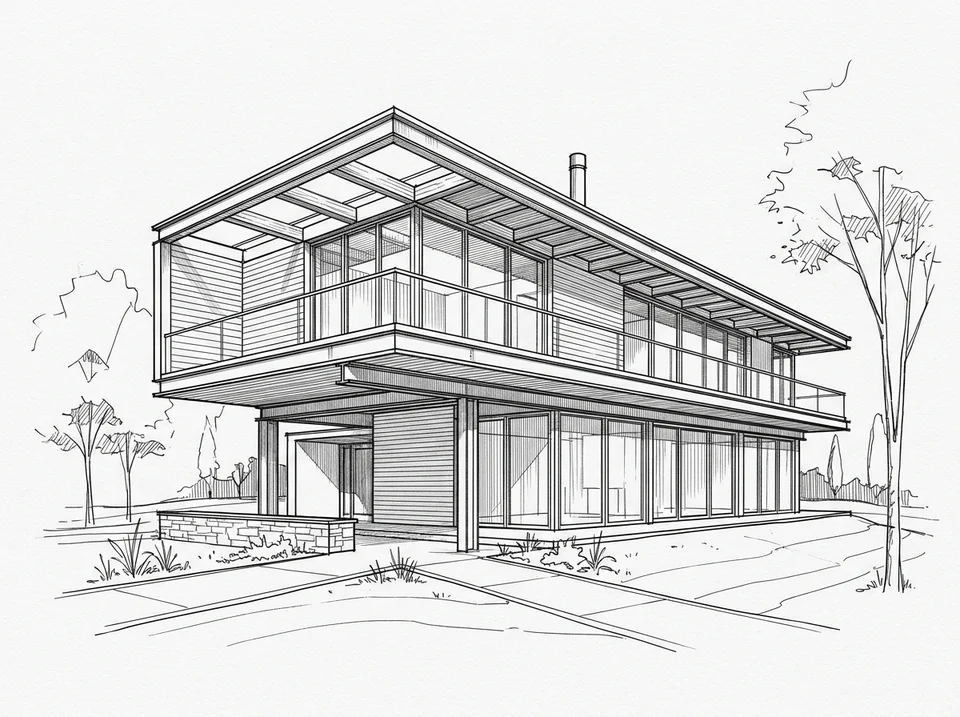
- Soft overcast: Clear shadow-free daylight review showing masonry courses (Mediterranean Stone) or oak louvers cleanly.
- Bright midday: Tests functional shade lines beneath narrow eaves directly at overhead noon sun.
- Dramatic sun / Golden hour: Reveals sculptural warm relief and rich foliage shadow throw across stone courtyards cleanly.
- Blue-hour dusk (+ Glowing glass): Closes presentations strongly with luminous twilight habitation!
Save all four exports sequentially inside My renders cleanly, export Download 2K render, and arrange side-by-side in landscape slide layouts!
Further architectural reading
- ArchDaily — Studying Architectural Form Across Diurnal Light Cycles
Evaluating facade depth, glazing glare, and courtyard ambiance morning through dusk.
Related sketch-to-render decisions
Architectural lighting & atmosphere studies
Golden Hour vs Blue-Hour Dusk for Rendering Glass & Timber Villas
Architectural lighting & atmosphere studies
Soft Overcast Daylight vs Dramatic Raking Sun for Concrete & Stone Facades
Geometry fidelity, AI QA & client pitch decks