Procreate & Morpholio Trace iPad Sketches to Photoreal Architectural Renders
Hide noisy underlay grids and yellow trace paper fills cleanly before exporting crisp tablet drawings into AI material renders.
Digital drafting on iPad inside Procreate or Morpholio Trace lets architects sketch perspective grids over clay massing models straight from site visits. One common workflow snag trips up great renders though: exporting active blue perspective grid layers, messy red construction ovals, or heavy parchment paper textures alongside final ink layers!
Flatten purely clean ink lines onto crisp white canvas layers
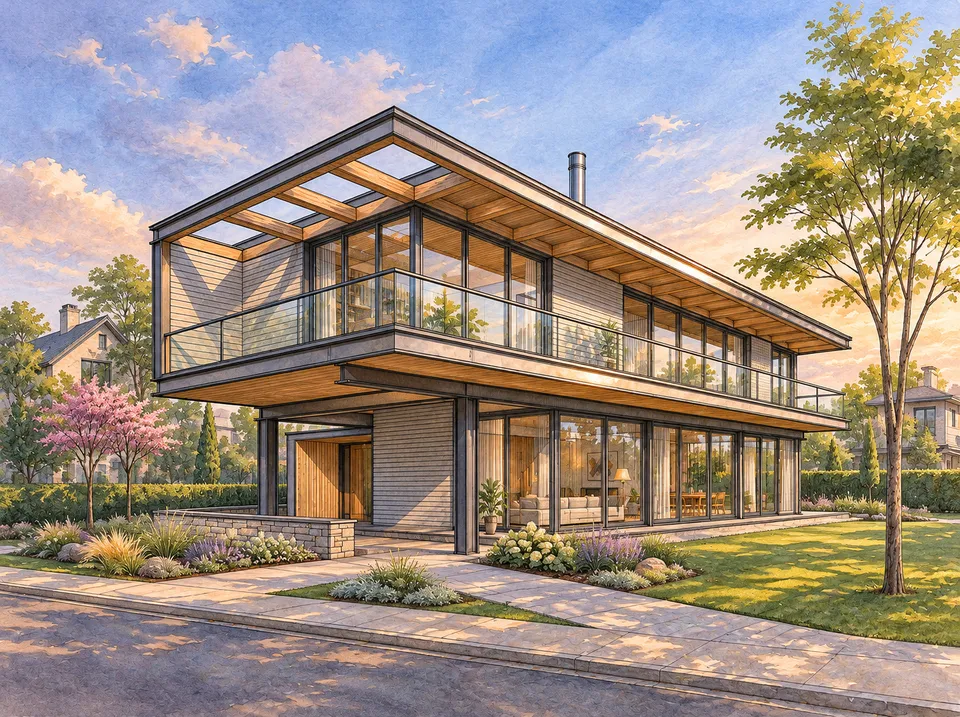
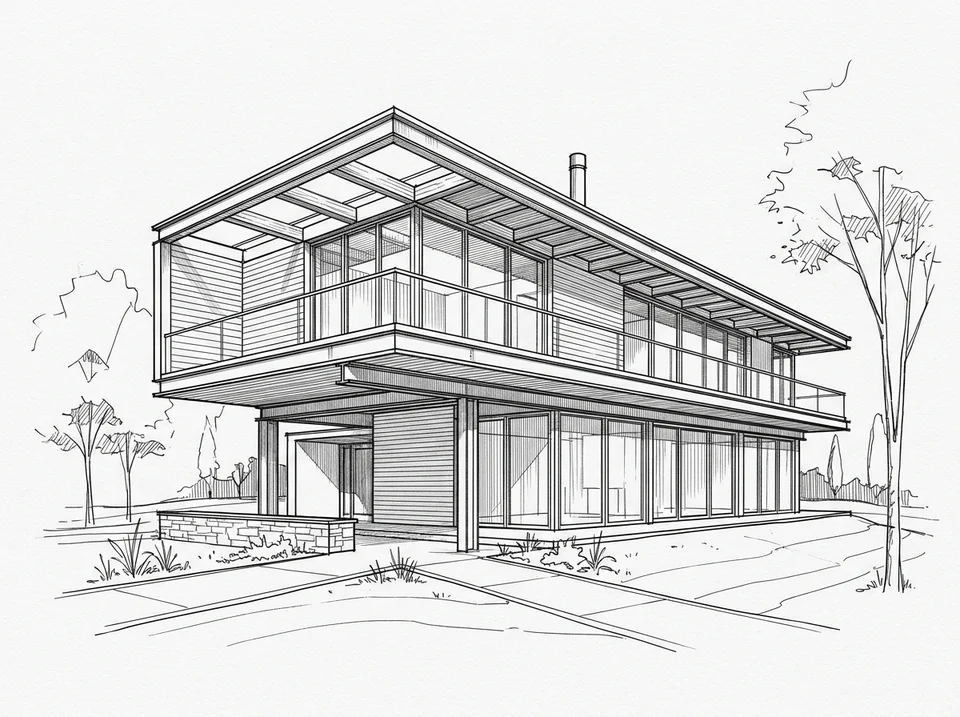
Watch cleanly inside Atelier Watercolor and Timber & Glass Villa: turning OFF construction guide vanishing rays, translucent yellow trace background fills, and scale grid rulers before exporting PNG creates razor-sharp digital linework that converts effortlessly without speckled grid static!
Best dual-output tactic: Watercolor first, Photoreal second
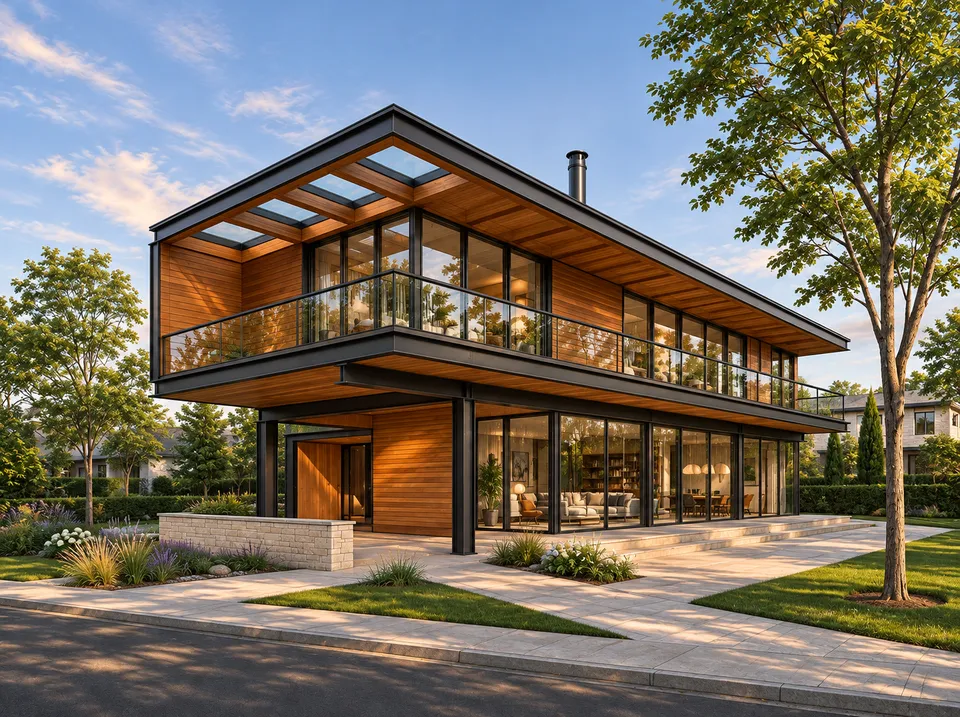
Because digital iPad drawings carry zero camera perspective tilt, run the exact exported PNG cleanly twice inside SketchRender AI: first in Atelier Watercolor to verify loose expressive massing charm, then in Timber & Glass Villa or Nordic Minimal to test cedar vs limewash cladding reality!
Export standard RGB PNG/JPG directly cleanly—and organize before/after pairs neatly inside My renders.
Further architectural reading
- ArchDaily — Digital Tablet Architecture Sketching & Hybrid Illustration
Layer preparation separating ink perspective guides cleanly from red construction lines on iPad.
Related sketch-to-render decisions
Sketch preparation, linework & CAD inputs
Fine-Liner Ink vs Graphite Pencil Sketches for Clean AI Renders
Watercolor, scale maquettes & presentation modes
Photorealistic Render vs Atelier Watercolor for Early Client Sign-Off
Interior perspectives, villas & studio workflows