Photographing Paper Sketchbooks Cleanly Without Shadow Glare or Skew
Capture handheld pen or pencil sketchbook pages flat on a smartphone without desk-lamp hotspots, spiral ring shadows, or keystone warping.
No flatbed scanner beside your coffee shop drafting table? Shooting a sketchbook page cleanly on a smartphone works remarkably well inside SketchRender AI—provided two silent render spoilers stay off the page: tilted camera trapezoid skew and sharp phone shadow stripes cast directly across paper roofs!
Three 30-second phone capture fixes on any desk

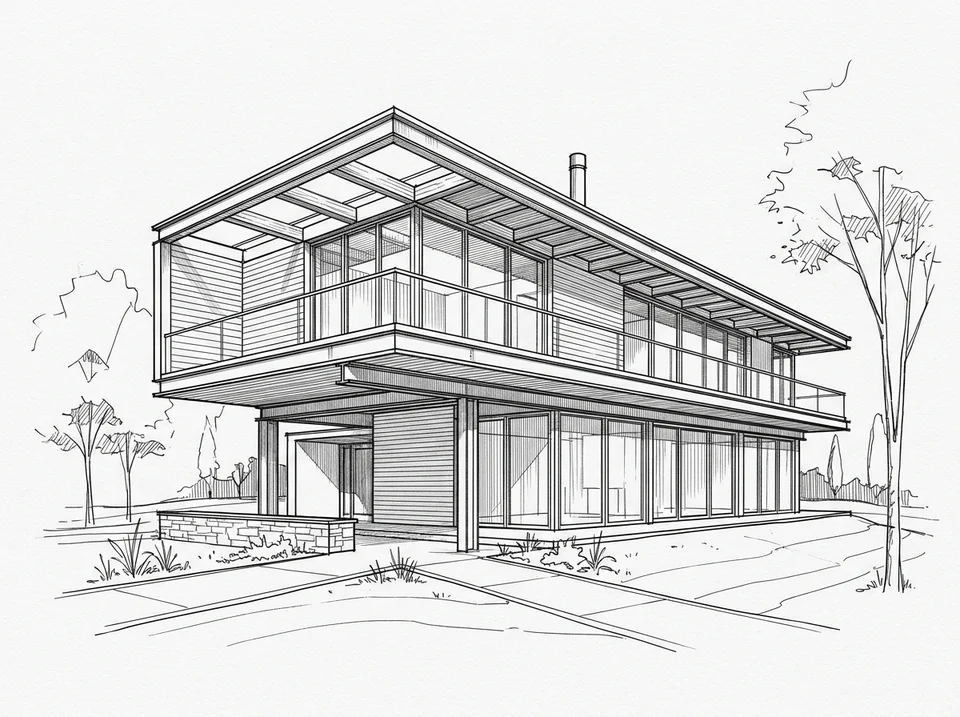
- Shoot completely parallel perpendicular over the sheet: Holding a smartphone even 15 degrees crooked makes vertical architectural columns flare outward trapezoidally cleanly carried straight into Mediterranean Stone or concrete renders! Use your camera grid crosshair flat overhead.
- Use indirect window daylight—never desk spotlighting: Side overhead lamps throw heavy spiral-binding shadows and smartphone body silhouettes right over sky margins. Stand near soft even north window light!
- Crop table edges tight: Leave only clean white paper frame margins cleanly free from pencils, coffee cups, and desk grain.
Save contrast cleanly before uploading
Boost slight monochrome exposure / black-point contrast lightly inside Photos if light creamy paper photographed grayish, upload cleanly via SketchRender AI, and review Sketch Preparation Tips anytime.
Further architectural reading
- SketchRender AI — Smartphone Sketch Capture & Contrast Guidelines
Preventing perspective keystoning and overhead hand shadows when digitizing physical paper.
Related sketch-to-render decisions
Sketch preparation, linework & CAD inputs
Fine-Liner Ink vs Graphite Pencil Sketches for Clean AI Renders
Geometry fidelity, AI QA & client pitch decks
How to Audit AI Sketch Renders: Cantilevers, Columns & Mullion Alignment
Geometry fidelity, AI QA & client pitch decks