Adding Architectural Scale Figures Cleanly Without Crowd Clutter
Use subtle blurred Scale figures wisely along stairs, courtyards, and terraces to prove ceiling heights without uncanny AI foreground portraits.
A lone monumental concrete overhang with zero furniture or human footsteps leaves viewers squinting: "Wait—is that entrance awning 8 feet tall or 22 feet high?" Placing subtle translucent architectural scale figures calmly along distant stone terraces calibrates room human proportions instantaneously—provided entourage never blocks hero glazing cleanly!
Keep figures mid-ground & lightly blurred away from lens edges
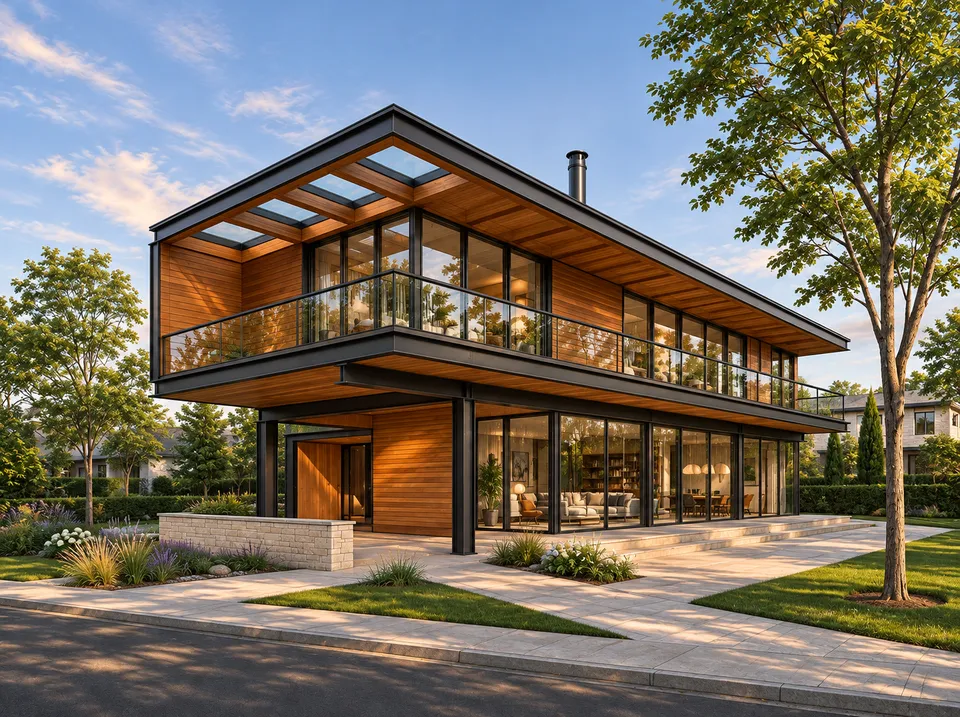
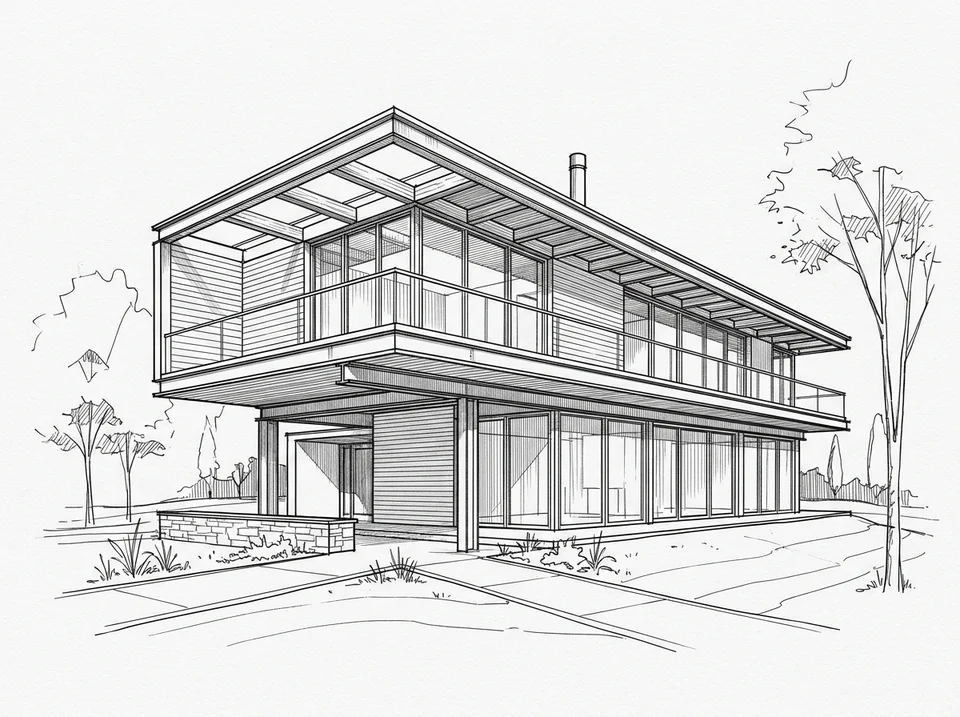
Notice how toggles like Material & site details: Scale figures inside SketchRender AI operate best across wide courtyard terraces, lakeside pavilions, or generous interior double-height lobbies: position figures naturally near terrace steps or walking casually back-facing the camera rather than dead-center staring straight into camera close-ups!
- Sketch small subtle silhouettes lightly where figures belong physically, OR describe clean mid-ground calm stance ("two soft blurred scale figures conversing quietly far right along limestone pool terrace") inside Or describe custom materials & atmosphere.
- Verify doorway proportion: If rendered human height looks oddly giant beside standard doors, scale camera height subtly lower cleanly on your sketch before re-rendering!
Further architectural reading
- Dezeen — Architectural Entourage & Human Scale Calibration
Placement rules keeping motion-blurred background figures subordinate to structural proportions.
Related sketch-to-render decisions
Interior perspectives, villas & studio workflows
Rendering Hand-Drawn Interior Room Perspectives Without Losing Scale
Photoreal architectural material styles
Timber & Glass Villa vs Concrete & Steel Renders: Warmth vs Monolith
Geometry fidelity, AI QA & client pitch decks