Turn architectural sketches into photorealistic renders
Upload a pen-and-ink drawing, pencil perspective, iPad sketch, or CAD linework. Preserve your exact geometry and proportions while rendering real timber, concrete, glass, and daylight.
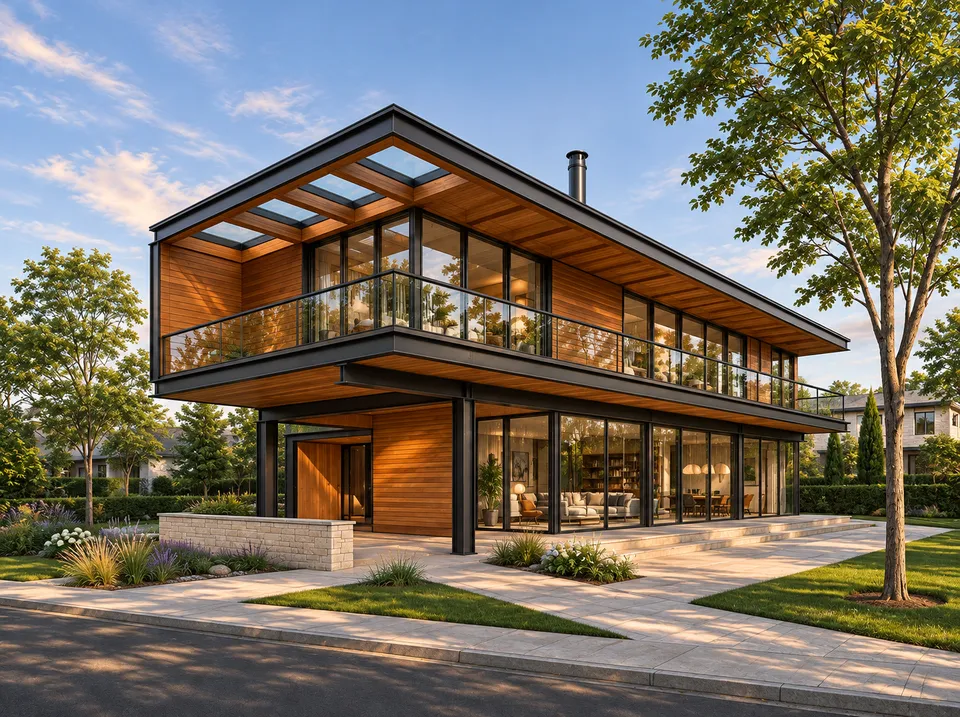
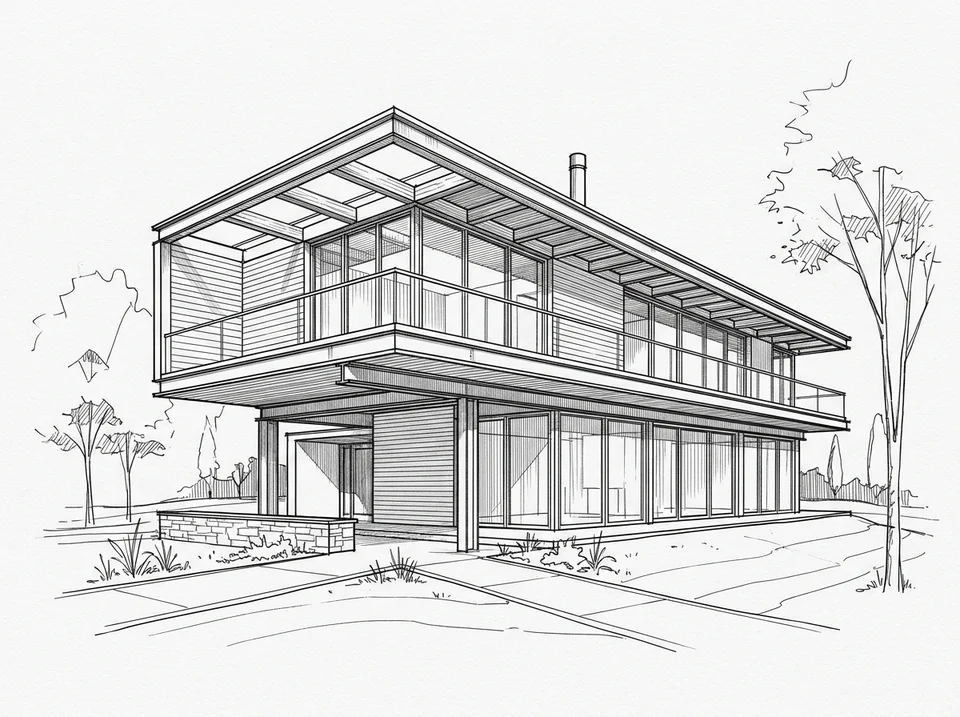
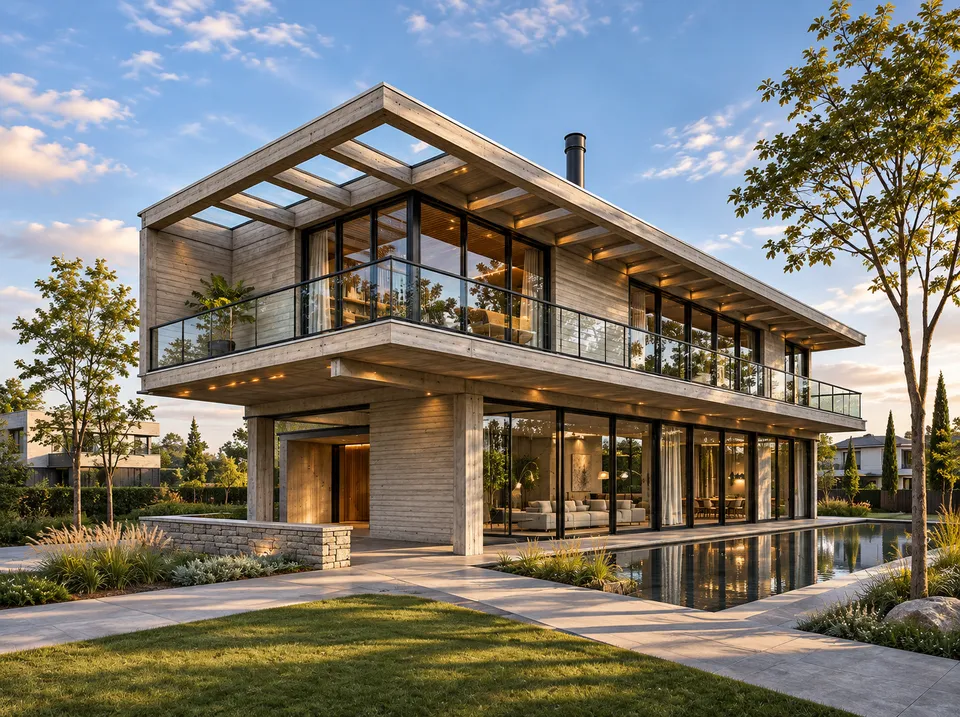
More options
From raw linework to client presentation in three steps
1. Upload your sketch or CAD
Drop in a scan or smartphone photo of your pen, pencil, Procreate, or Rhino/SketchUp line drawing.
2. Choose material & lighting
Pick from 8 architectural finishes, select Golden Hour or Blue Hour, and toggle timber or concrete.
3. Compare & export 2K
Slide between your original ink lines and the finished render to verify perspective alignment.
8 architectural render styles
From photorealistic cedar-and-glass villas to studio watercolor and physical basswood maquettes.
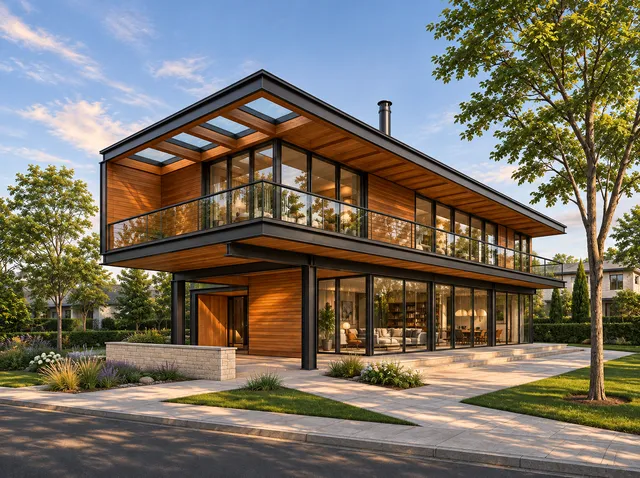
Pacific Contemporary
Warm red cedar soffits, matte black steel frames and glowing floor-to-ceiling glass.
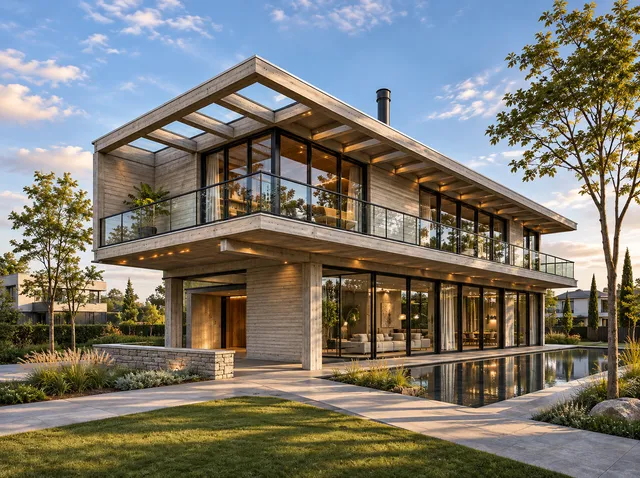
Modernist Brutalist
Board-formed concrete planes, blackened steel mullions and crisp shadow play.
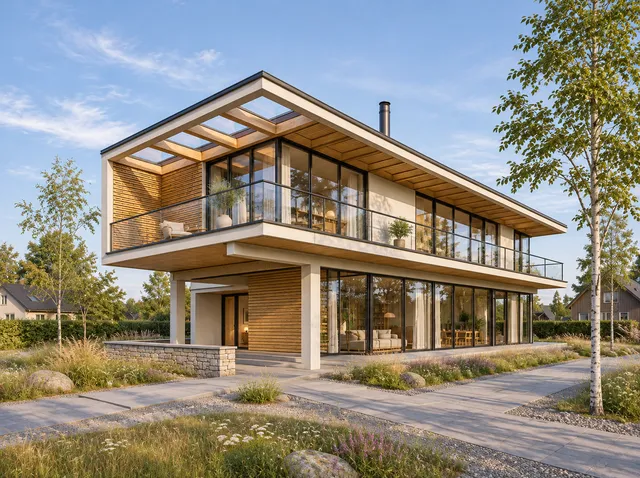
Scandinavian Minimal
Smooth warm-white plaster, pale oak louvers and soft northern daylight.
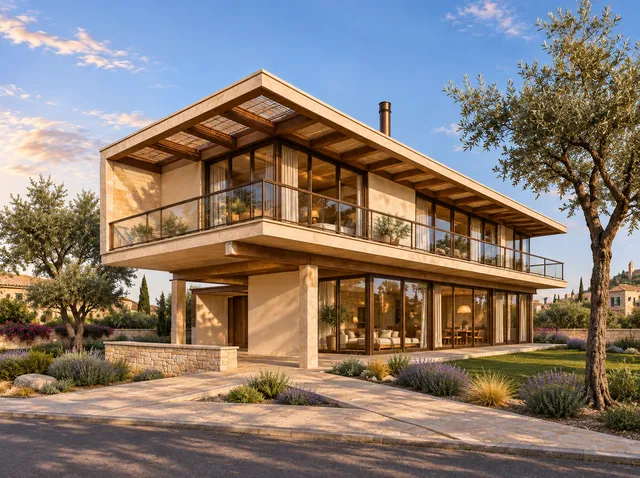
Mediterranean Rustic
Warm limestone masonry, bronze window frames and golden afternoon sunlight.
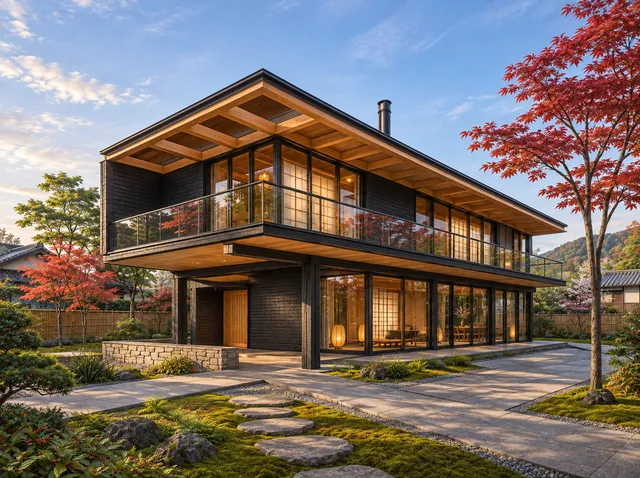
Japanese Zen
Charred cedar cladding, hinoki timber eaves and tranquil moss courtyard.
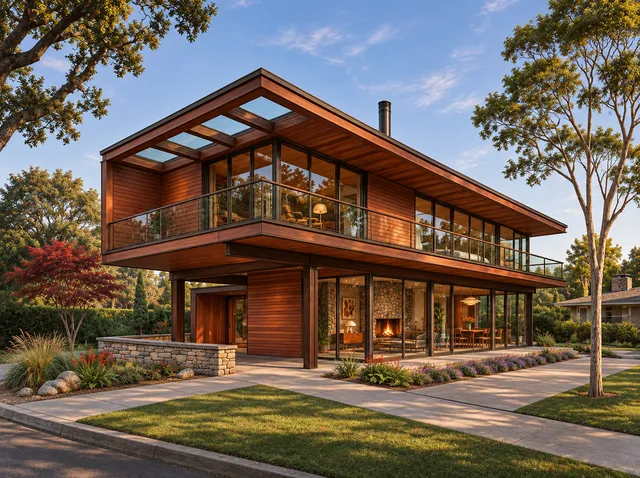
Mid-Century Modern
Warm redwood eaves, stacked fieldstone walls and expansive mid-century glass.
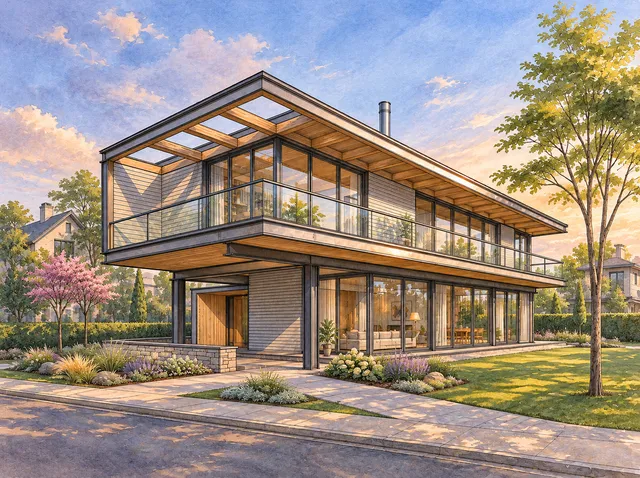
Watercolor Illustration
Crisp ink linework preserved beneath luminous architectural watercolor washes.
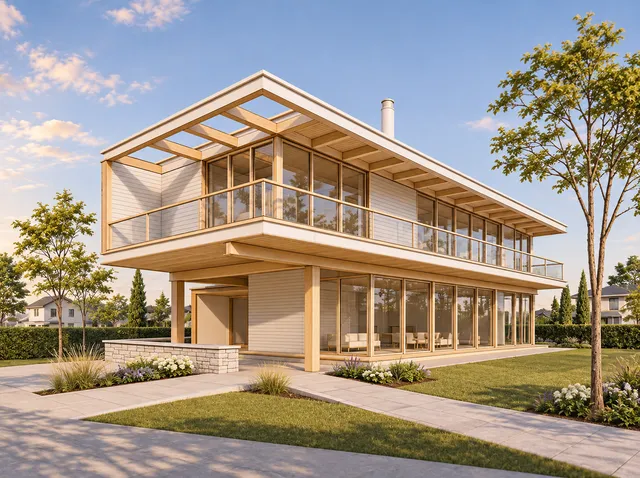
Studio Scale Model
Laser-cut basswood and matte white museum board studio model photography.
Iterate architectural materials directly from your early sketches
Before spending hours building a full 3D BIM lighting scene, test cedar, board-formed concrete, stone masonry, or watercolor washes directly over your hand-drawn perspective or CAD linework.
Timber & Glass Villa
Warm red cedar soffits, matte black steel frames and glowing floor-to-ceiling glass.
Explore render style →Concrete & Steel
Board-formed concrete planes, blackened steel mullions and crisp shadow play.
Explore render style →Atelier Watercolor
Crisp ink linework preserved beneath luminous architectural watercolor washes.
Explore render style →Preparing client presentations? Browse all 30 workflows in our sketch-to-render guides, review sketch preparation tips, or read help & limitations.
Studio Credits
Studio credit packs
Pay as you go, zero monthly lock-in. 1 credit = 1 high-res architectural render.
Sign in with Google to receive free starter credits. Unused credits never expire. Purchases are final except as set out in our refund policy.
Starter
Pro
Most popularMax
Frequently asked questions
Does it preserve my exact perspective and proportions?
Yes. Linework anchors the building envelope, roof cantilevers, columns, and window mullions while adding realistic materials and light.
Can I use rough hand sketches or iPad drawings?
Yes — black ink on white paper, clean pencil perspectives, Procreate exports, and SketchUp hidden-line views all work cleanly.
Does it support interior perspective sketches too?
Yes — switch Sketch Type to 'Interior sketch' and try 'Interior Perspective' or 'Atelier Watercolor'.
Do credits expire?
No. One-time packs never expire and failed renders are refunded automatically.